When it comes to customizing your mobile football experience, representing your favorite national team brings an unparalleled level of pride and immersion. For dedicated fans of Les Grenadiers, equipping the authentic Haiti Kits DLS is an absolute must. As players prepare their squads for the highly anticipated 2026 target season, having the correct visual representation of the Haitian national football team enhances gameplay and connects users directly to the rich footballing heritage of the Caribbean nation.
Whether you are building a dream squad from the ground up or simply want to honor the enduring legacy of Haitian football on the digital pitch, integrating the precise colors, crests, and historical layouts into your game is essential. This comprehensive guide covers everything you need to know about setting up and optimizing your Haiti Kits DLS for the 2026 season, drawing on the deep history found in football kit archives.
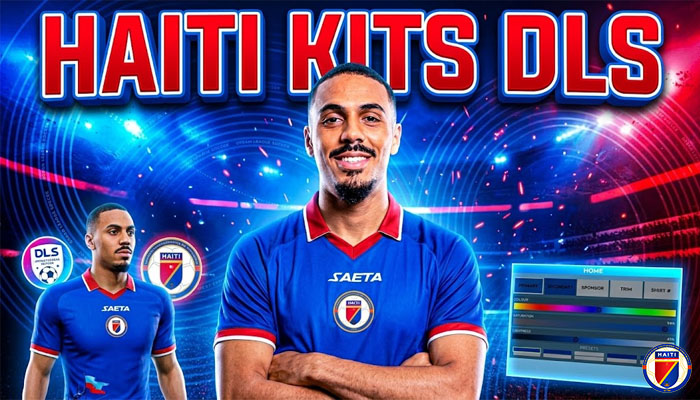
Instructions for installing the Haiti Kits in the game DLS 26
Step 1: Access the Dream League Soccer 2026 game.
Step 2: Select My Club.
Step 3: Select CUSTOMISE.
Step 4: Click Copy on Haiti Kits DLS 2026
Step 5: Paste the copied URL into the Enter Kit URL box, then select CONFIRM.
Logo Haiti DLS
https://kitdls.net/wp-content/uploads/2026/06/Logo-Haiti-DLS.png
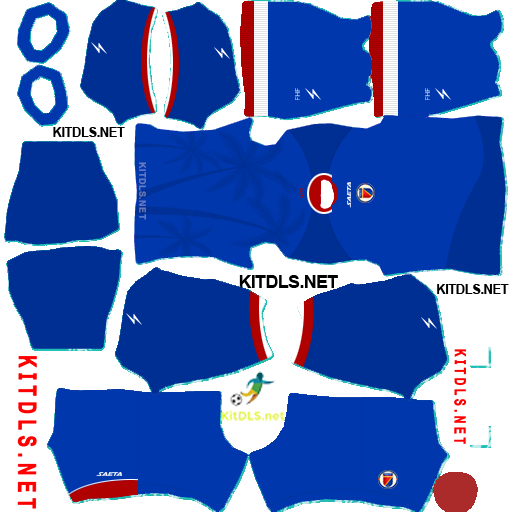
Home Kit
https://kitdls.net/wp-content/uploads/2026/06/Haiti-Home-Kit-2026-DLS.png
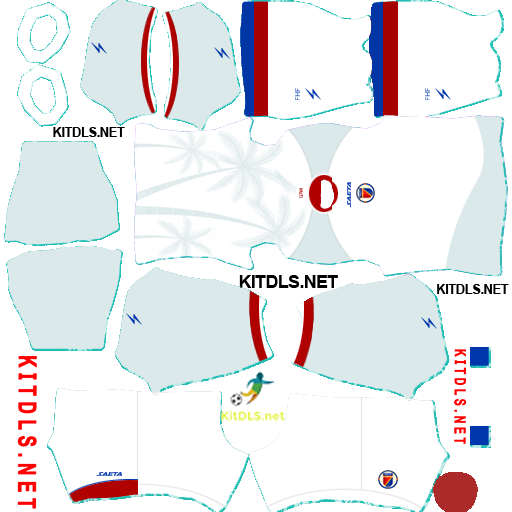
Away Kit
https://kitdls.net/wp-content/uploads/2026/06/Haiti-Away-Kit-2026-DLS.png
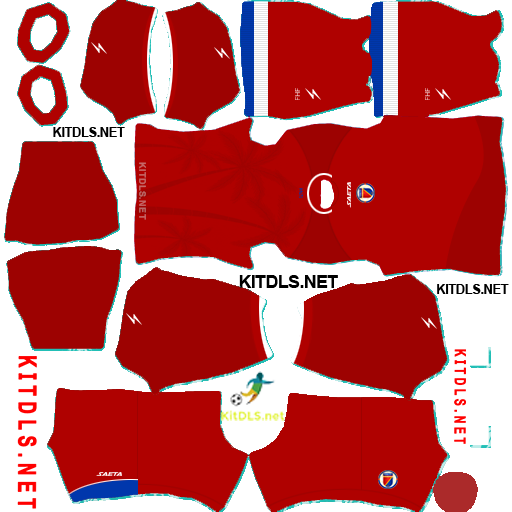
Third Kit
https://kitdls.net/wp-content/uploads/2026/06/Haiti-Third-Kit-2026-DLS.png
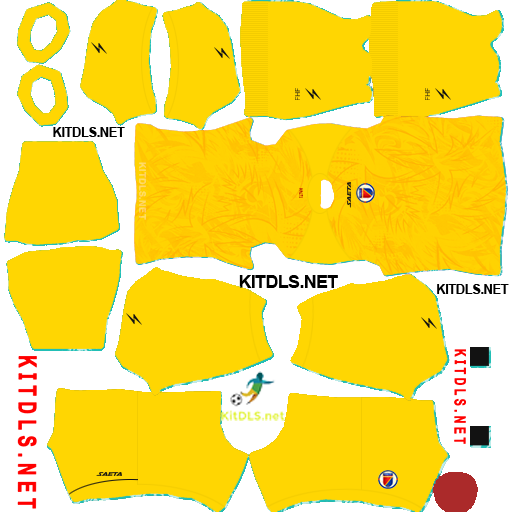
GK Kits
https://kitdls.net/wp-content/uploads/2026/06/Haiti-GK1-Kit-2026-DLS.png
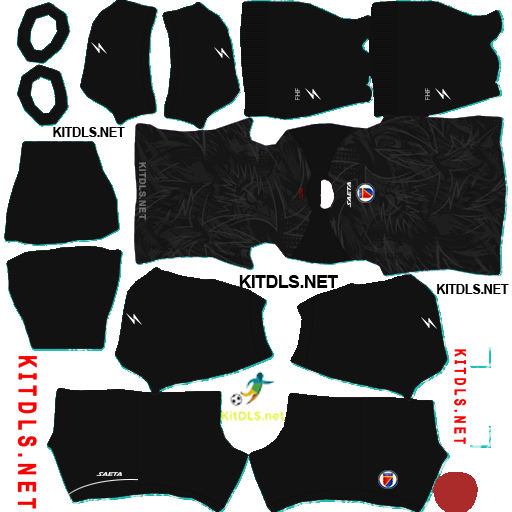
https://kitdls.net/wp-content/uploads/2026/06/Haiti-GK2-Kit-2026-DLS.png
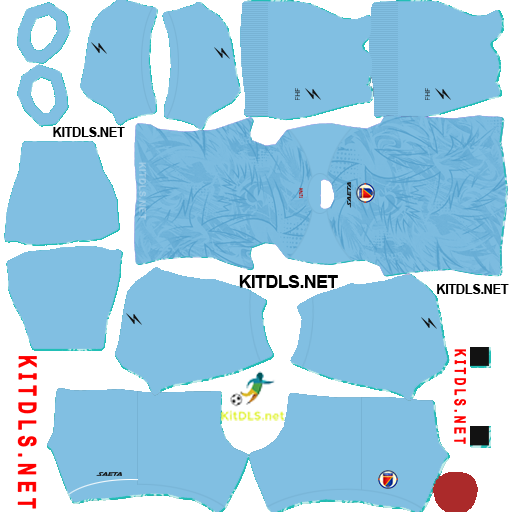
https://kitdls.net/wp-content/uploads/2026/06/Haiti-GK3-Kit-2026-DLS.png