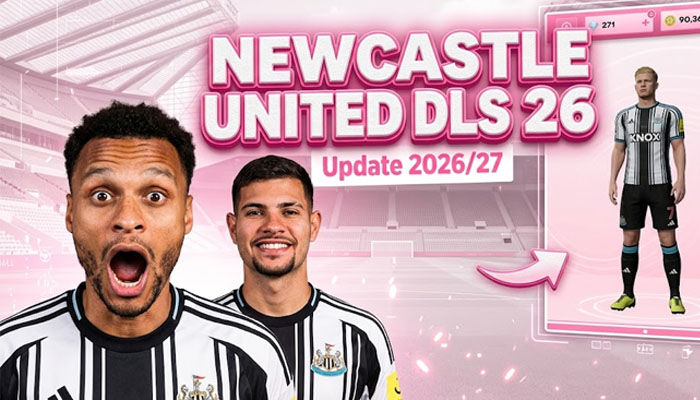
Instructions for installing the Coventry City Kits in the game DLS 26
Step 1: Access the Dream League Soccer 2026 game.
Step 2: Select My Club.
Step 3: Select CUSTOMISE.
Step 4: Click Copy on Coventry City Kits DLS 26
Step 5: Paste the copied URL into the Enter Kit URL box, then select CONFIRM.
Logo Coventry City DLS
https://kitdls.net/wp-content/uploads/2026/09/Logo-Coventry-City-DLS.png

Home Kit
https://kitdls.net/wp-content/uploads/2026/09/Coventry-City-Home-Kit-2026-27-DLS.png
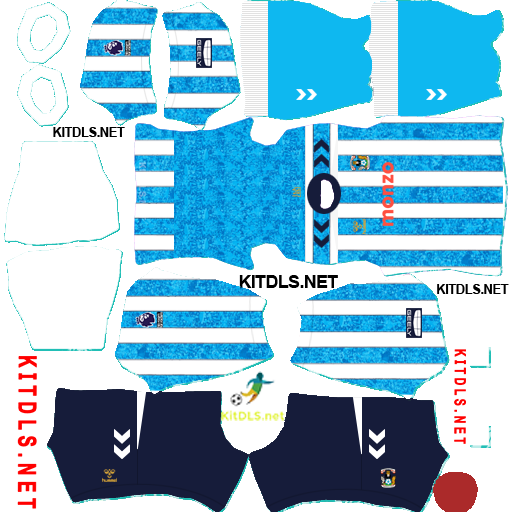
Away Kit
https://kitdls.net/wp-content/uploads/2026/09/Coventry-City-Away-Kit-2026-27-DLS.png
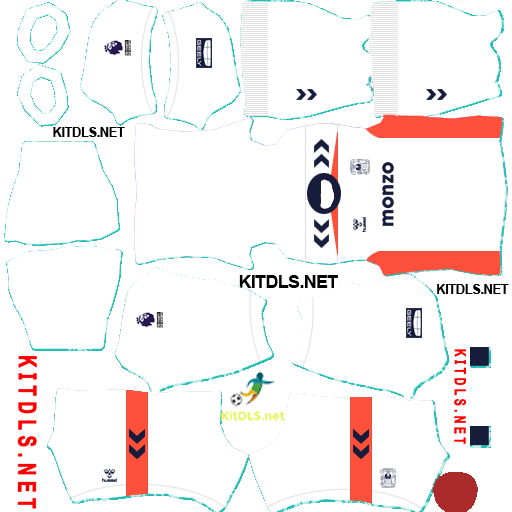
Third Kit
https://kitdls.net/wp-content/uploads/2026/09/Coventry-City-Third-Kit-2026-27-DLS.png
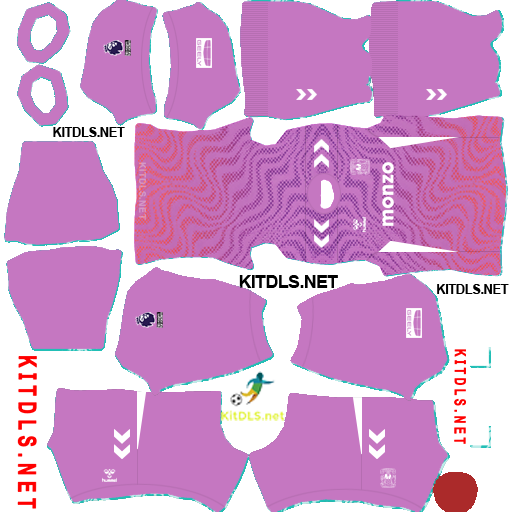
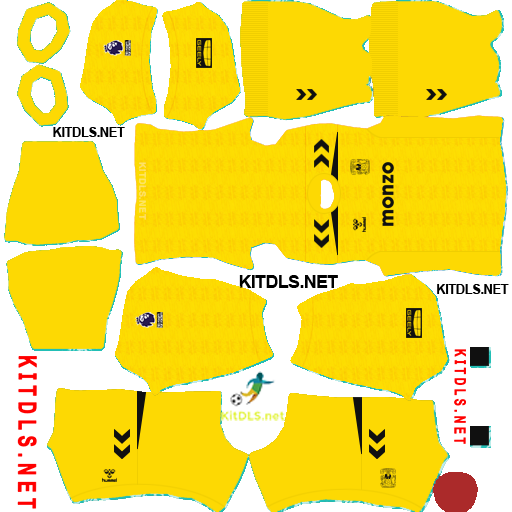
GK Kits
https://kitdls.net/wp-content/uploads/2026/09/Coventry-City-GK1-Kit-2026-27-DLS.png
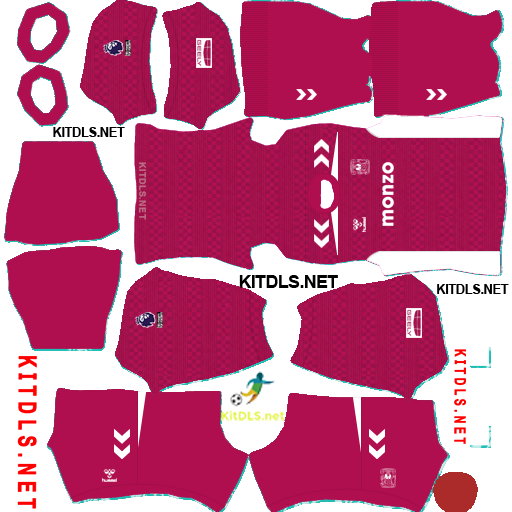
https://kitdls.net/wp-content/uploads/2026/09/Coventry-City-GK2-Kit-2026-27-DLS.png
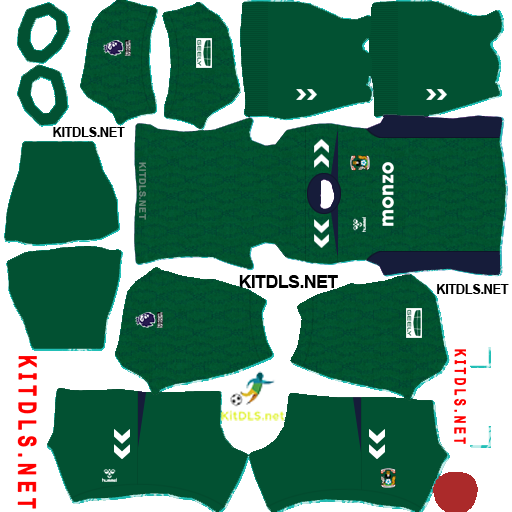
https://kitdls.net/wp-content/uploads/2026/09/Coventry-City-GK3-Kit-2026-27-DLS.png