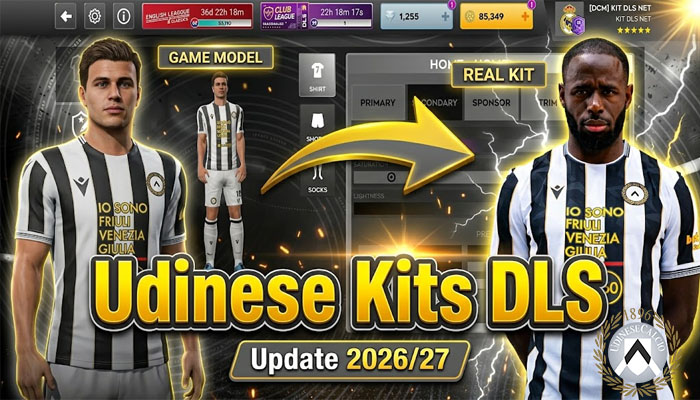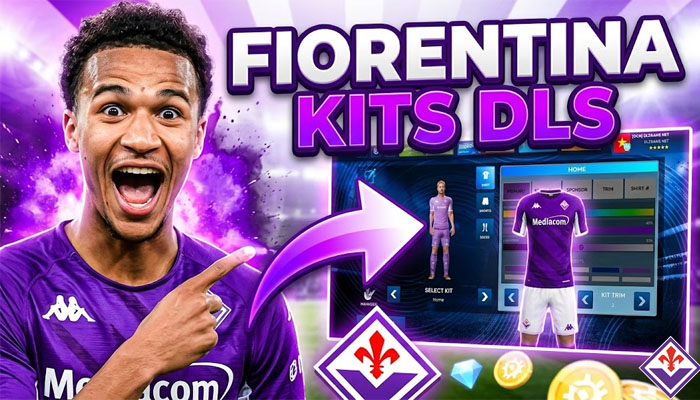
Instructions for installing the AC Monza Kits in the game DLS 26
Step 1: Access the Dream League Soccer 2026 game.
Step 2: Select My Club.
Step 3: Select CUSTOMISE.
Step 4: Click Copy on AC Monza Kits DLS 2026
Step 5: Paste the copied URL into the Enter Kit URL box, then select CONFIRM.
Logo AC Monza DLS
https://kitdls.net/wp-content/uploads/2026/10/Logo-AC-Monza-DLS.png
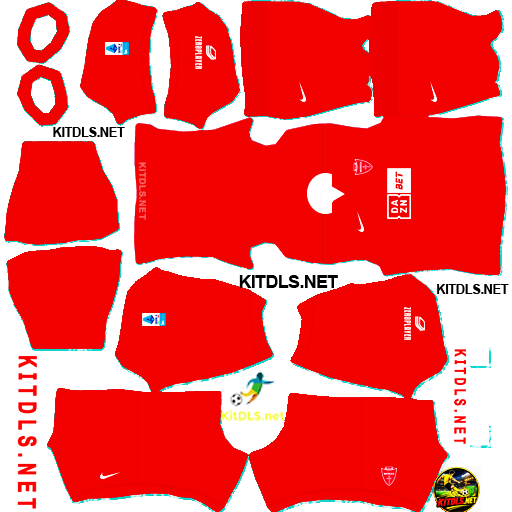
Home Kit
https://kitdls.net/wp-content/uploads/2026/10/AC-Monza-Home-Kit-2026-27-DLS.png
Away Kit
https://kitdls.net/wp-content/uploads/2026/10/AC-Monza-Away-Kit-2026-27-DLS.png
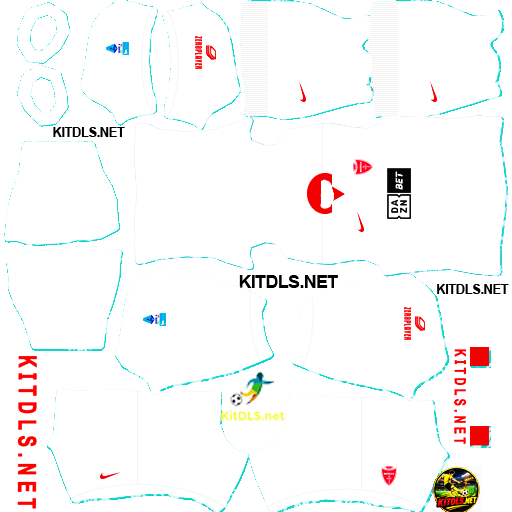
Third Kit
https://kitdls.net/wp-content/uploads/2026/10/AC-Monza-Third-Kit-2026-27-DLS.png
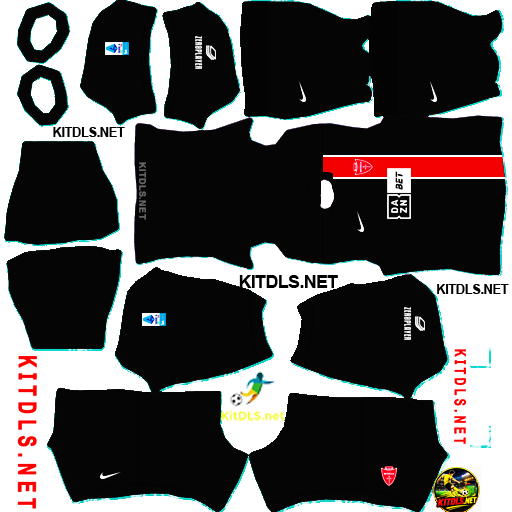
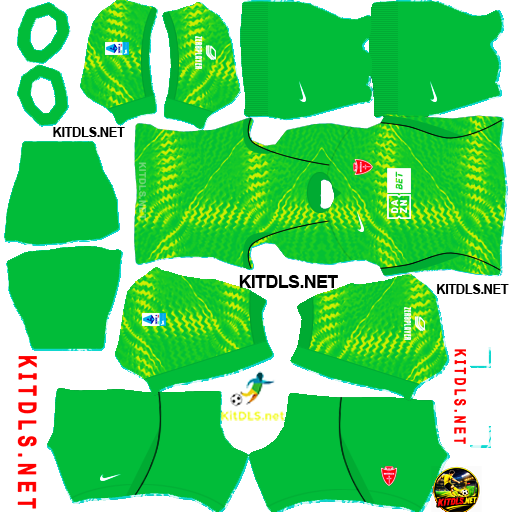
GK Kits
https://kitdls.net/wp-content/uploads/2026/10/AC-Monza-GK1-Kit-2026-27-DLS.png
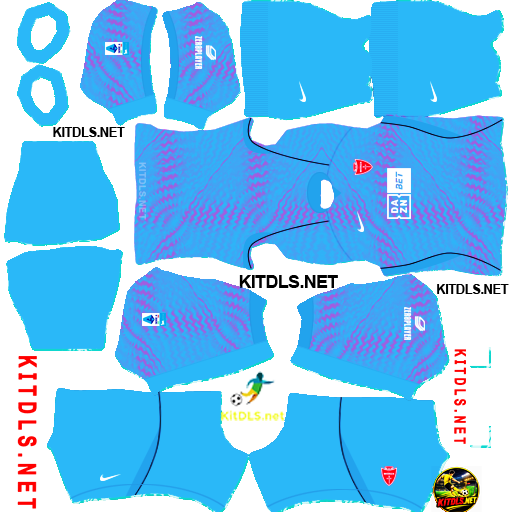
https://kitdls.net/wp-content/uploads/2026/10/AC-Monza-GK2-Kit-2026-27-DLS.png
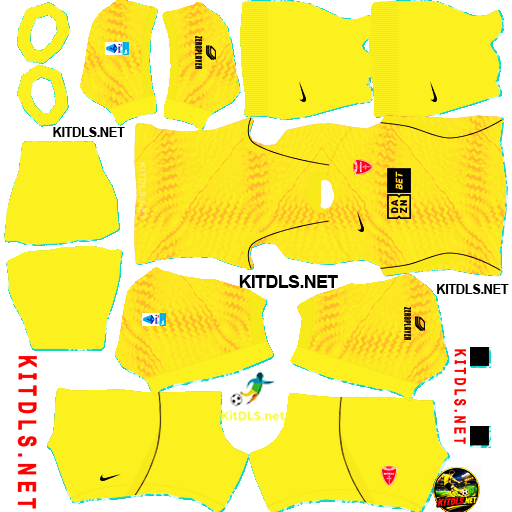
https://kitdls.net/wp-content/uploads/2026/10/AC-Monza-GK3-Kit-2026-27-DLS.png